Which AI model to use for generating an app
The question sounds like tool selection and is actually architecture. Generating an app is not one task, it is six or seven, and they ask for things different enough that "which model is best" is the wrong question.
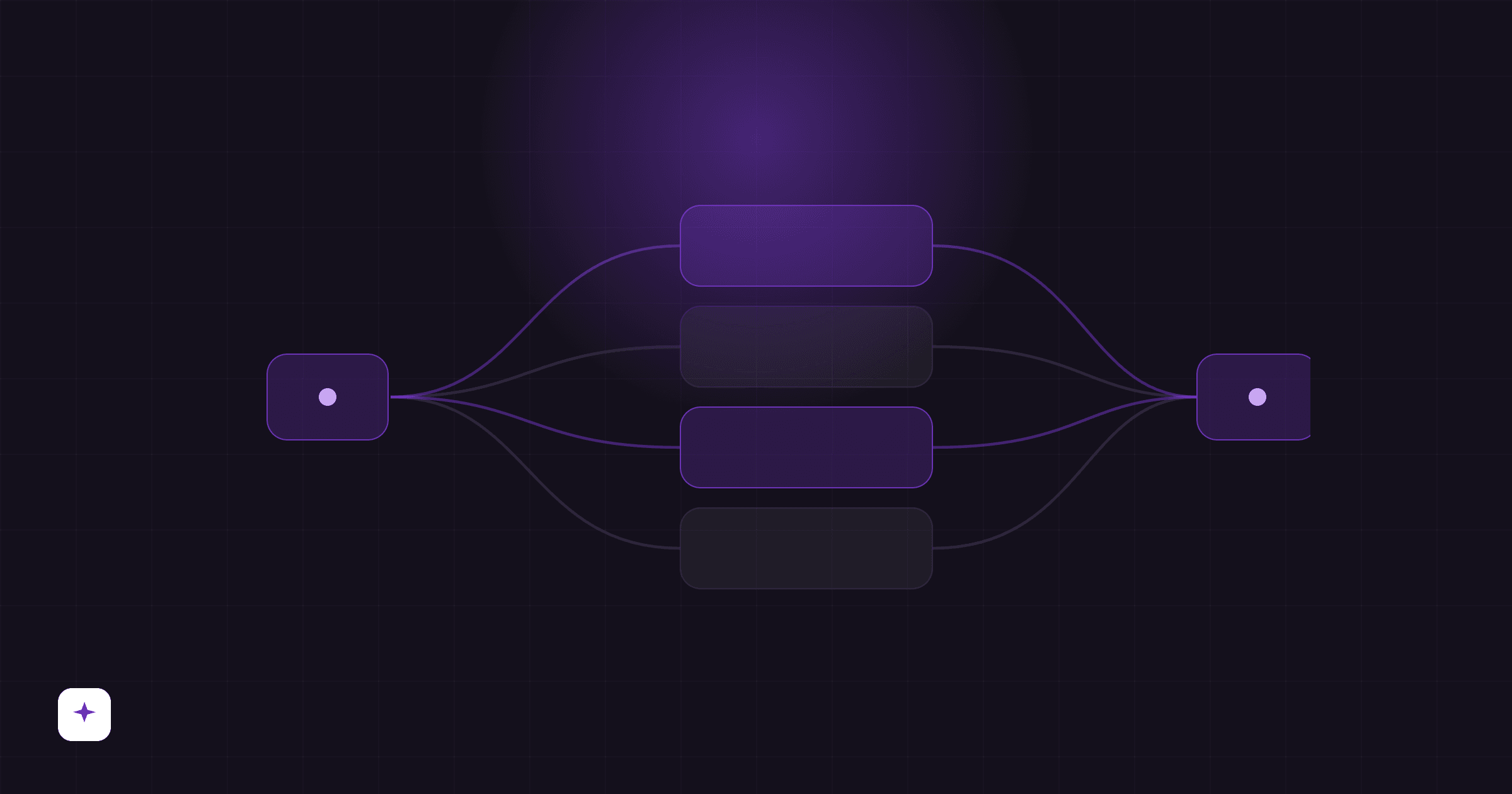
Why there is no single winner
A complete build passes through stages that do not resemble each other:
Planning is deciding what to build from an ambiguous request. It wants reasoning and tolerates latency: ten seconds spent on a decision that avoids half an hour of wrong work is a good trade.
Generating is writing many files that follow known rules. It wants throughput and obedience to a format, and it is the stage where the expensive model delivers almost exactly what the cheap one does.
Repairing is reading a compiler error and changing the right span. It is the most reasoning-sensitive stage of all, because a wrong repair breaks what was working.
Reviewing what was built is comparing code against a criterion written in plain language. That is reading, not writing, and a small model does it well.
Reviewing the screens requires vision. It is not a preference: a model without vision simply cannot look at the screenshot and say the text overflowed the card.
A model that won all five would be a coincidence. In practice, what wins is the system that uses a different model on each.
What benchmarks measure, and what they do not
The numbers in circulation come almost entirely from software engineering benchmarks: given an existing repository and a reported defect, the model produces a patch that makes the test pass.
That is a good measure, and it measures something else. Generating an app from scratch differs in three ways the benchmark does not capture:
There is no repository to understand. Half the difficulty in the benchmark is locating where to touch a codebase the model has never seen. In generation that problem does not exist, and what replaces it is coherence across thirty files that are born together.
There is no test to pass. In the benchmark the success criterion is objective and already written. In a new app the criterion is what the person asked for, in natural language, probably incomplete.
Nothing measures whether it looks good. An app that compiles and is ugly fails with the user and passes any benchmark.
Practical conclusion: use benchmarks to rule out a model that is bad at code, never to choose between the top two.
The families, and what they are for
Without naming versions, because those change monthly and the page would age before you got here.
Reasoning models. They think before answering, spend more tokens and more time, and get decisions right that the others get wrong. They earn their price on the decision stages: planning, and repairing after a simple repair has already failed.
Fast models. A fraction of the price, most of the quality on tasks with a clear rule. It is where most of a build's volume should run, because most of a build is mechanical.
Vision models. Required for anything that involves looking at the rendered result. Without one there is no visual review, only code review.
Open models. They have closed much of the gap on code generation and charge far less. They are the reason cost per app has fallen as much as it has in two years.
How Fabapp handles it
We are an interested party, so what follows is description, not recommendation. Judge it on what can be verified by opening the platform.
A catalogue, not a model. The platform keeps a catalogue of models from several providers, each with a cost per thousand tokens derived from the provider's public rate. That catalogue is what makes it possible to change which model runs which stage without touching the product's code. What else the platform does is on features.
The stage chooses, not you. By default each stage of the build uses the model suited to it: planning and repair on stronger models, generation on throughput models, the acceptance review on a small model, the visual review on a model with vision. You need to know none of this to build an app.
You can choose anyway. The model selector exists, and so does bring-your-own-key: from the Builder plan you connect your provider key and consumption moves to your account. That matters to anyone who already has a provider contract or who needs the data to travel through a specific account.
A credit is a unit of cost. Consumption is normalised against a reference model, so a credit means roughly the same amount of work regardless of which model did it. That is what stops a change of model from silently changing how far your plan goes.
The repair is not yours to pay for. When verification fails and the system repairs, that round is not billed to you. The platform correcting its own output is not a service rendered.
When it is worth changing the model
In most cases it is not. Three situations where it is:
You have a contract with a provider. Your own key turns a platform cost into a cost you are already paying.
You have a requirement about where data travels. Some corporate contracts and some regulations require it, and it is a legitimate requirement the selector answers.
You are generating something unusual. A very specific domain, an under-represented language, an uncommon format. There, testing two models on the same request answers faster than any analysis.
Outside those three, changing the model optimises the part that is not the bottleneck. The bottleneck is almost always the clarity of the request.
What actually improves the result
If your goal is a better app rather than an experiment with models, this is the order of return:
1. Describe it better. The gap between a vague request and a specific one is wider than the gap between two frontier models. Say who uses it, what each person can see, and what has to happen when somebody submits the form.
2. Ask in pieces. One large request produces one large, mediocre app. Three chained requests produce an app you checked at three points.
3. Check against the database, not the screen. The success message is exactly what a broken form also shows.
4. Only then, the model. And you will probably find you did not need to.
The end of choosing models
That is the direction of the whole industry, and it is a good one: model choice is an infrastructure decision that leaked into the user's lap because, for a while, the difference between models was too large to hide. It is shrinking.
What is not shrinking is the difference between a system that only calls the model and a system that verifies what came back. That is where the quality of a generated app is decided today, and it is the part no model provider ships ready-made.
On Fabapp the Free plan does not ask for a card, which makes it the cheapest way to compare that against any alternative.